

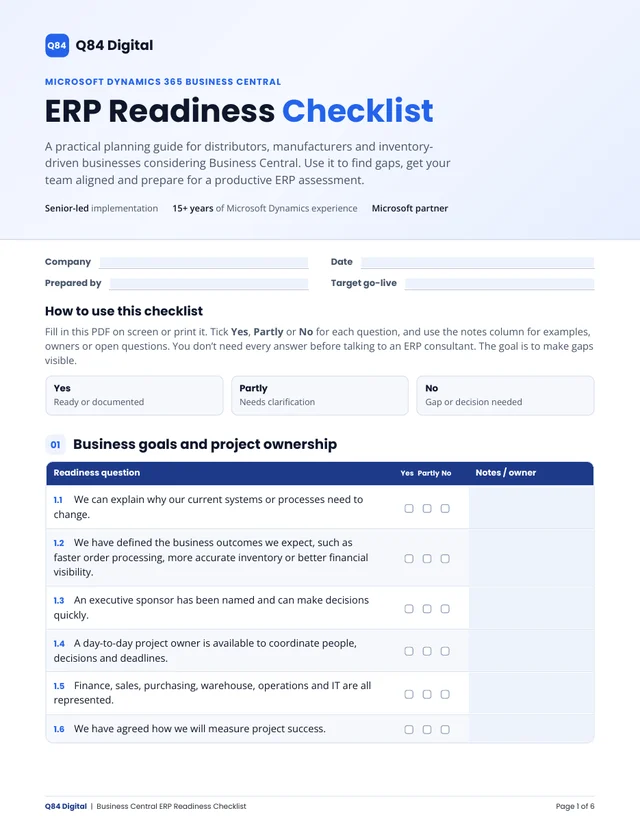
NewFree ERP Readiness Checklist for Business Central projectsDownload →

Take control of your inventory, operations and finances with Microsoft Business Central

Replace disconnected accounting, inventory and warehouse systems with one connected ERP platform.

Q84 Digital helps distributors and manufacturers implement Microsoft Dynamics 365 Business Central, migrate their data and connect the systems they rely on.

Led by Oleh Karnaukhov15+ years of Microsoft Dynamics and supply chain experience
Illustration of an order moving from sales order to warehouse, shipment, invoice and reporting
Problems we solve

You’re not shopping for software. You’re fixing these.

Inventory you can’t trust

Counts drift from what’s on the shelf.

Fix: stock by location and bin, cycle counts and item tracking in one system.

Accounting and warehouse don’t talk

Shipments, invoices and the ledger are reconciled by hand.

Fix: every shipment and receipt posts straight to the books.

Orders processed manually

Orders are retyped between email, spreadsheets and systems.

Fix: one quote-to-cash flow, connected to your online store and carriers.

Outgrown QuickBooks

No real inventory, multiple companies or reporting you can rely on.

Fix: a clean, reconciled move to Business Central.

A warehouse that can’t keep up

Picking errors, slow shipping and no visibility on the floor.

Fix: bin-based receiving, picking and shipping that staff can follow.

Can’t scale or see margins

Growth adds more spreadsheets instead of better answers.

Fix: planning, landed costs and margin reporting on live data.

See it in action

What your team will work in every day

Business Central puts finance, stock, orders and the warehouse on the same screens. Here's what each area looks like.

Role Center · Business ManagerExample data
Sales this month$184,250
Overdue receivables$12,480
Inventory value$612,900
Items below reorder7
Sales by month

Financial and operational visibility

Each person opens Business Central to a home page built for their role, with the numbers they need first.

  • Cash, receivables and sales at a glance
  • Drill into any figure to see the entries behind it
  • Power BI reports on live data

Screens shown with example data.

Industries

Built around the way you operate

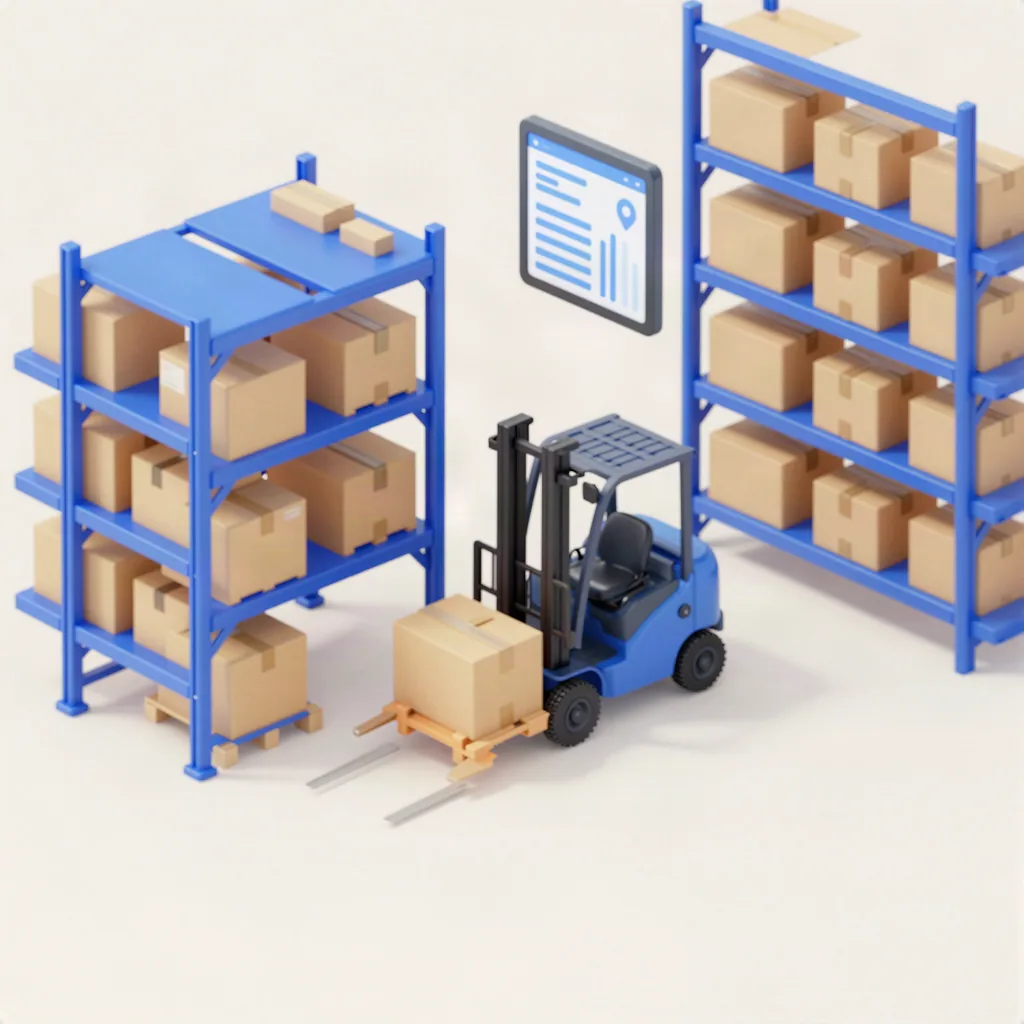
Warehouse aisle with racking and stock ready to pick

Run a responsive, profitable distribution business

Connect purchasing, inventory, warehousing and finance so you always know what you have, where it is and what it earns. Plan replenishment from real demand, pick and ship faster with bins and scanners, and see margins by customer and item.

How we approach projects

Three common starting points

Typical situations our clients come to us with, and how we’d tackle each one.

Illustrative scenario

Wholesale distributor

Challenge
Inventory kept in spreadsheets, accounting in a separate system and purchase orders written by hand.
Approach
Business Central with inventory, purchasing and warehouse receiving, picking and shipping.
Intended outcome
One view of stock across locations and purchasing driven by reorder points.
Illustrative scenario

E-commerce business

Challenge
Shopify orders, stock levels and accounting handled in three places and reconciled by hand.
Approach
Business Central connected to Shopify for orders, items, stock and payments.
Intended outcome
Less manual order entry and stock levels that stay in step with the online store.
Illustrative scenario

Manufacturing company

Challenge
Little visibility into production and product costs worked out in spreadsheets.
Approach
Business Central Premium with bills of materials, production orders and cost reporting.
Intended outcome
Planned production and product costs that come straight from the system.

These scenarios show how we approach typical projects. They are not client case studies.

Why Q84 Digital

A different way to implement Business Central

Larger Microsoft partners bring big teams and broad portfolios. Q84 Digital is built for companies that want an experienced operations consultant to own their project personally.

Many larger ERP firmsQ84 Digital
Who you work withAccount managers, project managers and a delivery teamThe lead consultant, directly
ContinuityWork can be handed between sales, design and delivery teamsThe person who scopes your project delivers it
ApproachA standard methodology across many industriesBuilt around your warehouse, inventory and order flow
DepthBroad ERP coverageDeep supply chain and warehouse background
Product adviceUsually focused on the products they sellHonest fit advice, including when you need Dynamics 365 Supply Chain Management instead

A general comparison. Every firm works differently, and larger teams suit some projects better.

Process & pricing

Clear steps, clear costs

  1. Free assessment

    30 minutes on your systems, goals and fit.

  2. Discovery

    Requirements, scope and a fixed quote.

  3. Build

    Configure, migrate data, build approved extensions.

  4. Testing

    Run real processes end to end and train your team.

  5. Go-live

    Switch over with hands-on help afterwards.

Monthly, from Microsoft

Licenses

Essentials is $80 and Premium is $110 USD per full user per month at Microsoft’s US list prices.

Source: Microsoft Business Central pricing. Last updated .

One-time

Implementation

Quoted as a fixed scope after discovery, based on modules, data, integrations and companies.

Ongoing

Support

Pay as you go, or a monthly plan with included hours.

Estimate your costsWhat’s included

FAQ

Common questions

Don’t see yours? Ask directly.

What is Microsoft Dynamics 365 Business Central?

It’s Microsoft’s cloud ERP for small and midsize businesses. It brings accounting, inventory, sales, purchasing, warehousing and reporting into one system that works with Microsoft 365.

Is Business Central right for a distribution or inventory-heavy business?

For most small and midsize distributors, yes. It handles multi-location stock, purchasing, bins, picking and shipping. If your warehouse is very high-volume or complex, we’ll tell you whether an extension or Dynamics 365 Supply Chain Management fits better. Is Business Central enough? →

How much does Business Central cost?

Licenses are a monthly per-user subscription from Microsoft. Implementation is a one-time project quoted after a free discovery call. Our calculator estimates your license cost in a minute. Estimate your costs →

How long does implementation take?

A focused finance and inventory rollout usually takes a few months. Projects with manufacturing, advanced warehousing or several integrations take longer. You get a timeline after discovery. How implementation works →

Can Business Central replace QuickBooks?

Yes. Companies usually move when they need proper inventory, multiple companies or better reporting. We handle the data migration. Data migration →

Can Business Central integrate with Shopify?

Yes. Business Central has a Shopify connector, and we build other integrations through its APIs. Integrations →

Are you a Microsoft partner?

Yes. Q84 Digital is a Microsoft partner with full access to Microsoft partner benefits. We help you choose the right licenses, set up Business Central and keep it right-sized as you grow. Licensing & pricing →

Who will I actually work with?

Oleh Karnaukhov, the founder. Q84 Digital is senior-led, so the person who scopes your project is the person who delivers it.

Free download

Is your business ready for a new ERP?

Our free ERP Readiness Checklist covers 52 questions across 9 areas, from inventory and warehouse to data and budget. Fill it in with your team, then bring it to your assessment.

Fillable PDF, 6 pages. No email required.

Find out if Business Central fits your business

Pick a time for your free 30-minute ERP assessment with the consultant who would deliver your project.